


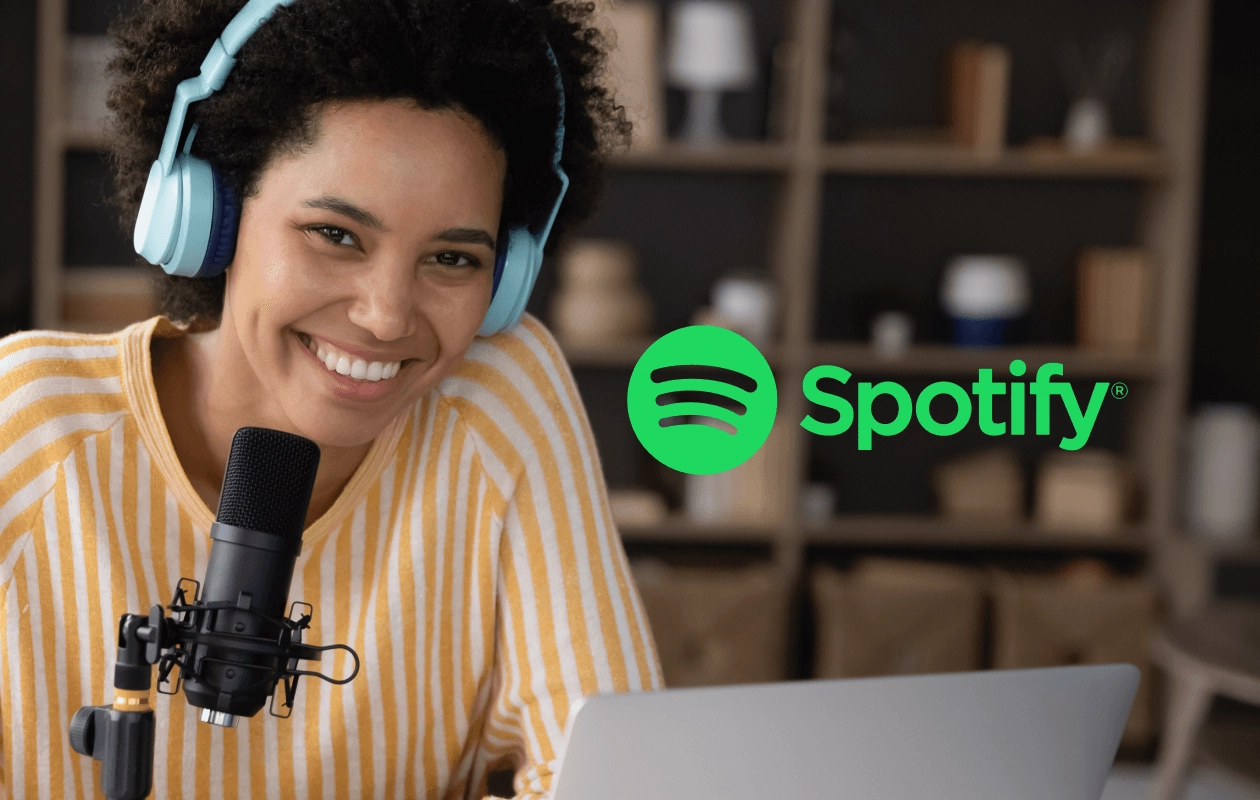
How to Start a Podcast on Spotify
Podcasting has exploded in popularity over the past few years, and Spotify has become one of the most powerful platforms for reaching listeners worldwide. Whether you want to share your passion, build a personal brand, or start a business podcast, knowing how to start a podcast on Spotify is essential. In this guide, we’ll walk you through everything from planning your first episode to publishing and promoting your podcast effectively.
Why Start a Podcast on Spotify?
Spotify hosts millions of active listeners and has become a go-to destination for podcast consumption. By launching your podcast on Spotify, you gain:
Global reach – Spotify is available in over 180 countries.
Engaged audience – Podcasts allow for deeper engagement than social media posts.
Monetization opportunities – Through ads, sponsorships, and Spotify’s own tools.
Analytics – Track listener data to improve your content.
Understanding how to start a podcast on Spotify ensures you maximize these benefits from day one.
Planning Your Podcast
Choosing a Niche
The first step in podcasting success is selecting a topic you’re passionate about. Consider:
Your expertise and experience
Topics that have a loyal audience
Gaps in existing podcast content
Narrowing your focus helps attract a dedicated listener base and improves discoverability on Spotify.
Defining Your Target Audience
Knowing your audience is key to creating relevant content. Ask yourself:
Who will listen to my podcast?
What problems or interests do they have?
How can my podcast provide value to them?
Understanding your audience informs your tone, format, and promotion strategies.
Planning Episodes and Format
Decide on:
Episode length – 20–40 minutes is ideal for most topics
Frequency – Weekly, biweekly, or monthly
Format – Solo, co-hosted, interview-style, or storytelling
Having a content plan makes recording and publishing smoother, especially in the early stages.
Equipment and Software You’ll Need
You don’t need a professional studio to start a podcast, but investing in quality equipment improves listener experience. Essentials include:
Microphone – USB mics like the Blue Yeti or XLR mics like the Audio-Technica AT2020
Headphones – Closed-back headphones to monitor audio
Recording software – Audacity, GarageBand, or Adobe Audition
Pop filter and microphone stand – For clearer audio
High-quality audio makes your podcast more professional and keeps listeners coming back.
Recording and Editing Your Podcast
Recording is just the first step. Editing helps remove mistakes, improve pacing, and enhance sound quality.
Tips for recording and editing:
Record in a quiet space to minimize background noise
Use consistent microphone placement
Edit out pauses, “ums,” and mistakes
Add intro/outro music for branding
Normalize audio levels for consistent volume
This stage ensures your podcast is polished and engaging.
Publishing Your Podcast on Spotify
Creating a Spotify Account
You need a Spotify account to manage your podcast. While listeners don’t need accounts to subscribe, creators do.
Go to Spotify for Podcasters
Sign up or log in with your existing Spotify account
Using a Podcast Hosting Service
Spotify does not host audio files directly; you need a podcast hosting service. Popular options include:
Anchor (free, integrates seamlessly with Spotify)
Podbean
Buzzsprout
Libsyn
Your host stores audio files and generates an RSS feed required for Spotify submission.
Submitting Your Podcast to Spotify
Once your RSS feed is ready:
Log in to Spotify for Podcasters
Click “Add Your Podcast”
Paste your RSS feed and verify ownership
Complete podcast details (title, description, category, language)
Submit for review (usually approved within a few hours to a few days)
After approval, your episodes will appear on Spotify, ready for listeners worldwide.
Promoting Your Podcast
Launching your podcast is just the beginning. Promotion is essential to grow your audience:
Share episodes on social media platforms
Collaborate with other podcasters for cross-promotion
Submit your podcast to directories like Apple Podcasts, Google Podcasts, and Stitcher
Use SEO-friendly titles and descriptions for discoverability
Encourage listeners to leave reviews and ratings on Spotify
Promotion ensures your podcast reaches the right audience and gains traction quickly.
Monetizing Your Podcast
Once you build a loyal audience, there are several ways to monetize your podcast:
Sponsorships – Partner with brands relevant to your audience
Advertising – Insert ads through Spotify or hosting platforms
Merchandise – Sell branded merchandise to fans
Subscription content – Offer bonus episodes or early access for paid subscribers
Monetization strategies vary depending on your niche and audience size.
Frequently Asked Questions
1. How long does it take to start a podcast on Spotify?
Setting up the account, recording, and submitting can take a few days, but planning and content creation can take several weeks.
2. Do I need expensive equipment to start?
No. You can start with a good USB microphone and free editing software like Audacity.
3. Can I monetize my podcast on Spotify for free?
Yes. Once you gain listeners, you can earn through ads, sponsorships, and subscription models.
4. How often should I release episodes?
Weekly is ideal for audience retention, but consistency is more important than frequency.
5. Can I edit my podcast after publishing?
Yes, most hosting platforms allow you to update episodes, but frequent major changes can confuse subscribers.
Conclusion and Next Steps
Learning how to start a podcast on Spotify opens the door to global listeners, brand growth, and new opportunities. Start by planning your niche, recording high-quality episodes, and promoting your podcast strategically. With dedication and consistency, your podcast can grow into a trusted source of information or entertainment.
